

Download AppLock Theme Halloween – Applock, Android Security, Halloween Theme, Privacy Protection
Overview
AppLock Theme Halloween is a desktop application designed to enhance mobile device security with a seasonal twist. The software positions itself as a swift and secure application protection tool tailored for Android users seeking robust privacy safeguards. It addresses common concerns around unauthorized access to personal data, particularly on smartphones and tablets. The app aims to protect sensitive information by locking individual applications, preventing intruders from accessing private content such as messages, photos, and personal accounts.
Targeted primarily at Android enthusiasts and privacy-conscious individuals, the software integrates seasonal customization through a Halloween-themed interface. This includes themed lock screens and visual elements that appeal to users during the holiday season. The application claims compatibility with a range of popular Android devices, including models from Samsung, HTC, and Huawei, suggesting broad device support. It also offers features like intruder selfies, which capture images of unauthorized users attempting to unlock the device, and a hidden chat function to safeguard private conversations on live messaging platforms.
Real-world usage scenarios include protecting personal data in shared environments, securing sensitive communications, and deterring potential thieves through visual deterrents. The software is positioned as a must-have tool for users who prioritize digital privacy and want to add a festive touch to their security experience. While specific technical details about the development team or release history are not available, the app’s focus on both functionality and seasonal customization sets it apart in the mobile security category.
Key Features & Capabilities
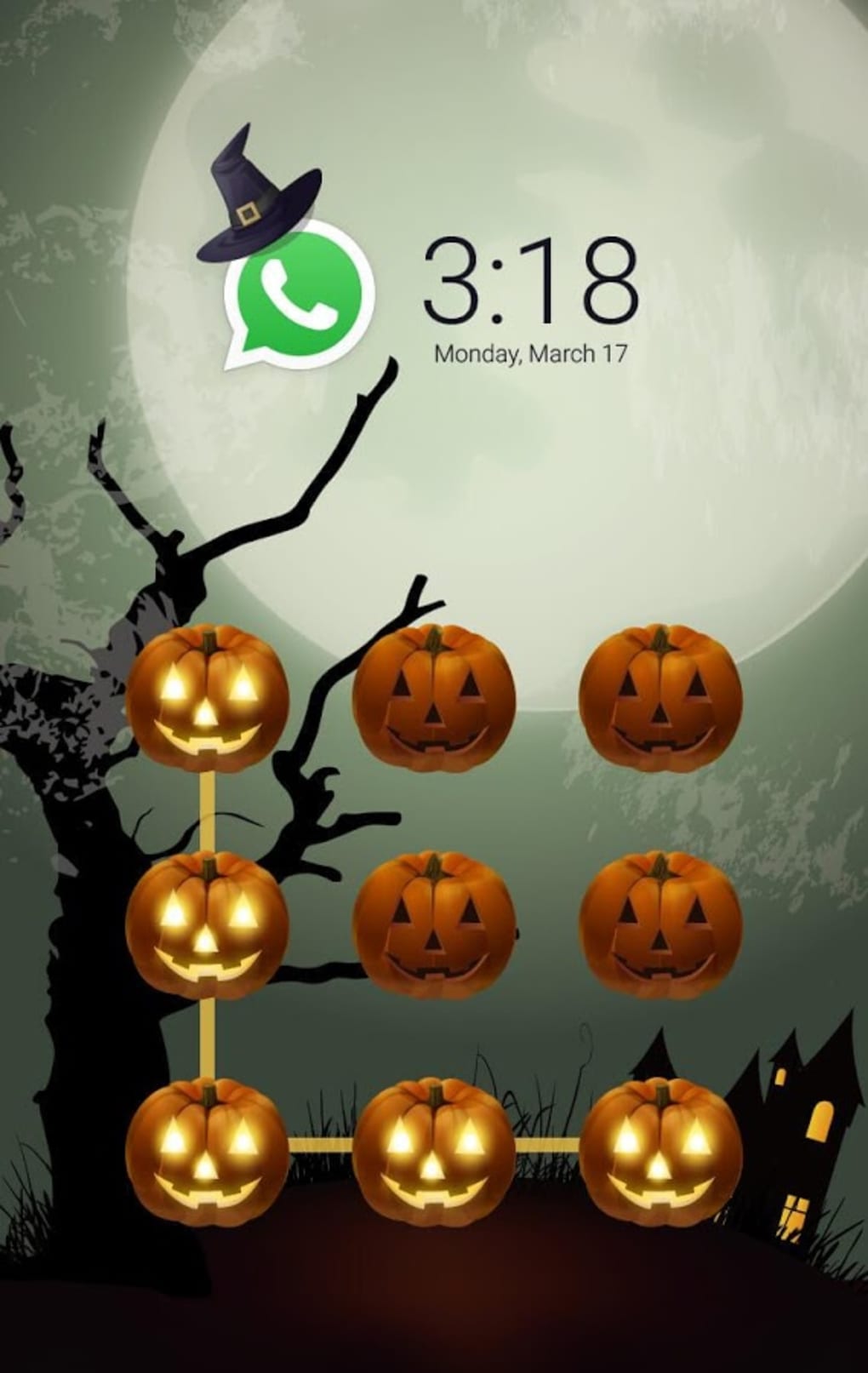
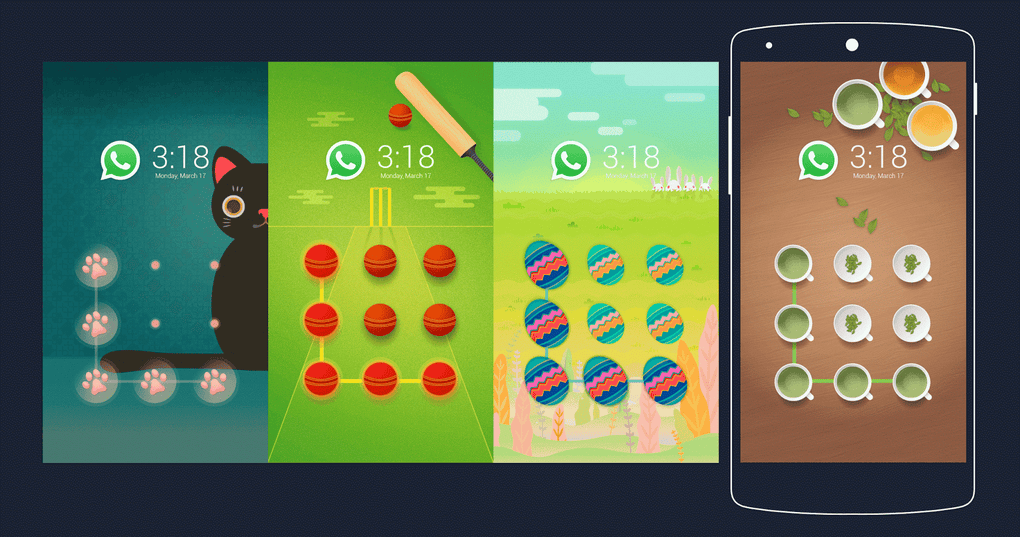
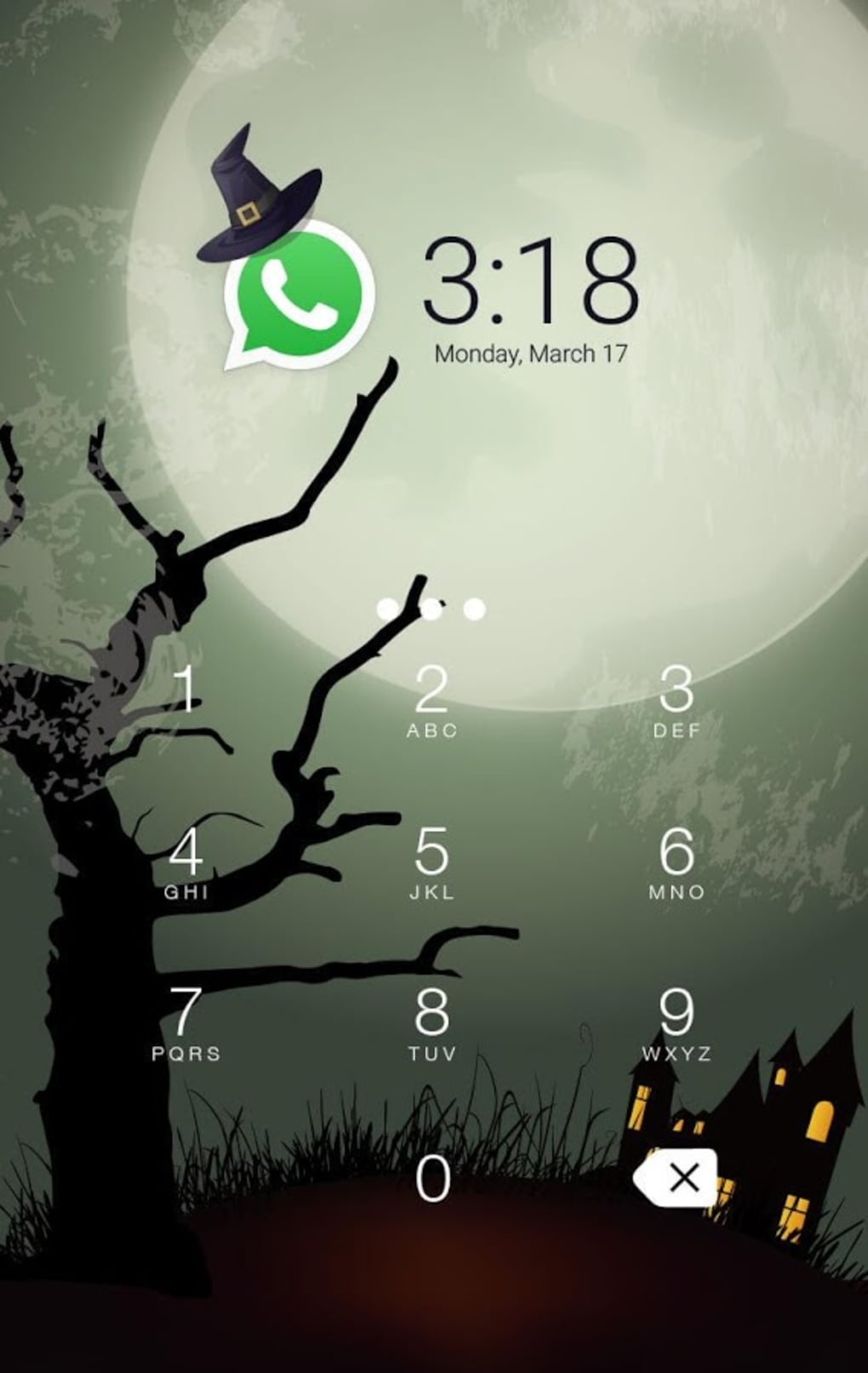
- Halloween-Themed Interface: A seasonal visual design that transforms the app’s lock screen and UI with spooky, festive elements, offering a unique and engaging user experience during the Halloween period.
- Application Locking: Enables users to secure individual apps such as messaging, social media, and photo galleries, preventing unauthorized access from others.
- Intruder Selfie Capture: Automatically takes a photo of anyone attempting to unlock the device without permission, serving as both a deterrent and a potential identification tool.
- Private Chat Hiding: Offers a feature to conceal private chat conversations from view, protecting sensitive messages on popular live chat platforms.
- Device Compatibility: Designed to work with a variety of Android smartphones and tablets, including models from Samsung, HTC, and Huawei.
These features are intended to provide layered protection for personal data. For example, a user can lock their banking app and social media accounts to prevent accidental or intentional access by others. The intruder selfie feature may be particularly useful in homes or shared workspaces where multiple people have access to the same device. The private chat hiding function helps users maintain confidentiality in conversations, especially on platforms where messages are not end-to-end encrypted by default.
The seasonal theme adds a fun and immersive layer to the security experience, making the app more engaging during the Halloween season. While the app does not specify real-time threat detection or advanced encryption protocols, its core functionality centers on access control and visual deterrence, which are essential components of mobile privacy protection.
User Interface, Workflow & Performance
The user interface of AppLock Theme Halloween appears to be structured around a clean, themed lock screen with intuitive navigation. Users can access the main settings and locked app list through a straightforward menu system. The workflow is designed to be simple: users select apps to lock, set a password or pattern, and activate the protection with minimal steps.
Navigation is likely optimized for touch-based devices, with large buttons and visual cues aligned with the Halloween aesthetic. The interface may include animated elements such as moving bats or glowing pumpkins to enhance the seasonal theme, though specific details about animations or responsiveness were not provided. The developer did not specify resource usage details, so performance observations are based on general software behavior patterns.
Stability is expected to be consistent with typical Android security apps, assuming proper integration with the device’s operating system. However, exact CPU or RAM behavior was not specified. Users may experience minor delays when unlocking apps if the system is under heavy load, but no performance benchmarks were shared. The app is designed to run in the background without interfering with other processes, though its actual impact on battery life or system resources remains unspecified.
Compatibility & System Requirements
AppLock Theme Halloween is designed for Android devices, with reported compatibility across a range of popular smartphone and tablet models. The software supports devices from major manufacturers including Samsung, HTC, and Huawei. This suggests broad hardware and OS-level integration, though exact version requirements were not listed.
The installation size and specific hardware requirements were not disclosed. The developer did not provide additional system requirements, so users should ensure their device meets general Android standards for app installation. Compatibility information is limited to device brands, with no mention of minimum Android version or storage space needed. Users are advised to verify functionality on their specific model before installation.
Pros and Cons
Pros
- Halloween-themed design enhances user engagement during the holiday season.
- Provides application-level security for sensitive apps like messaging and banking.
- Intruder selfie feature adds a unique deterrent and potential identification method.
- Supports multiple popular Android device brands, including Samsung, HTC, and Huawei.
- Offers private chat hiding to protect confidential conversations.
Cons
- Exact system requirements and performance impact were not specified.
- No information on encryption standards or data security protocols.
- Seasonal theme may limit relevance outside of Halloween.
- Compatibility with newer or less common Android devices is unclear.
- Background processes may affect battery life, though no data was provided.
FAQ Section
Is AppLock Theme Halloween compatible with my Android device?
The app is reported to work with Samsung, HTC, and Huawei devices. Compatibility with other models may vary. Users should verify functionality on their specific device before installation.
Is the app safe to use on my phone?
AppLock Theme Halloween is designed to protect personal data. However, no specific security certifications or encryption details were provided. Users should ensure they download the app from official sources to minimize risks.
How often does the app receive updates?
Update frequency was not specified. Users should check the app store for the latest version to ensure access to new features and security patches.
Does the app require an internet connection?
The app functions primarily offline, allowing users to lock apps and manage settings without an internet connection. Some features, such as updates or cloud backups, may require connectivity.
Can I use the app on multiple devices?
Information about multi-device usage was not provided. The license type and usage policy remain unclear. Users should refer to the app’s terms of service for details.
Final Thoughts + CTA
AppLock Theme Halloween delivers a timely and visually engaging solution for Android users seeking enhanced app security during the Halloween season. Its combination of practical features—such as app locking, intruder selfies, and private chat hiding—with a festive interface makes it a standout option for those who value both privacy and personalization. While specific technical details like system requirements and encryption standards are limited, the app’s core functionality remains effective for protecting sensitive data on compatible devices.
It is particularly well-suited for individuals who frequently share their devices or use public messaging platforms. The seasonal theme adds a fun layer to the experience, though its relevance may diminish after the holiday period. Overall, AppLock Theme Halloween offers a secure, customizable, and user-friendly approach to mobile privacy.
Download AppLock Theme Halloween now





.png)

